Create stunning presentations in seconds with AI.
Transform YouTube videos, PDFs, websites, and text into beautiful Google Slides presentations. Powered by AI, no design skills needed.
Trusted by over 1 million users worldwide

Turn anything into beautiful slides.
Multiple input formats to create presentations from any source. Powered by advanced AI technology.
Convert any YouTube video into professional slides in seconds. Perfect for educational content and presentations.
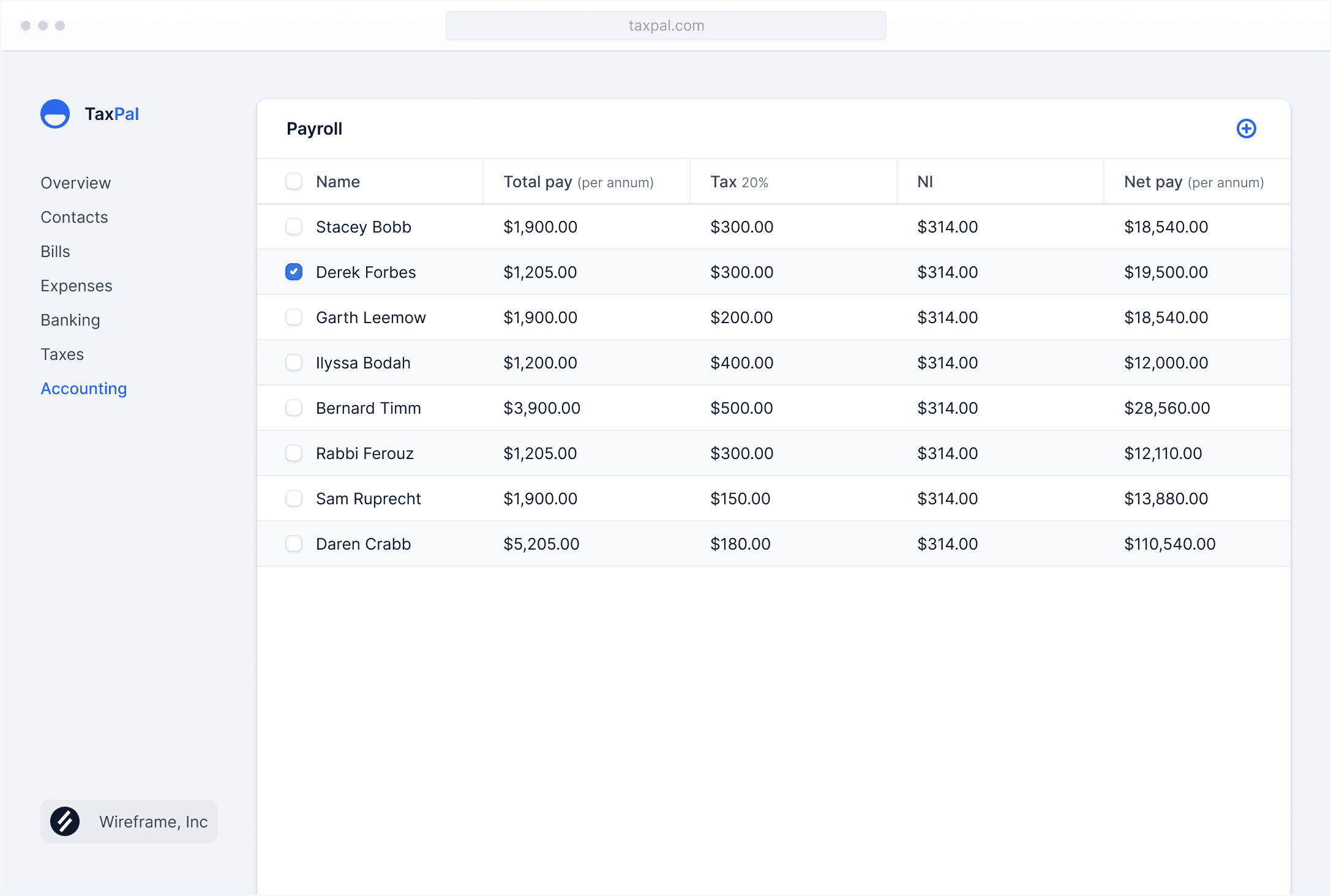
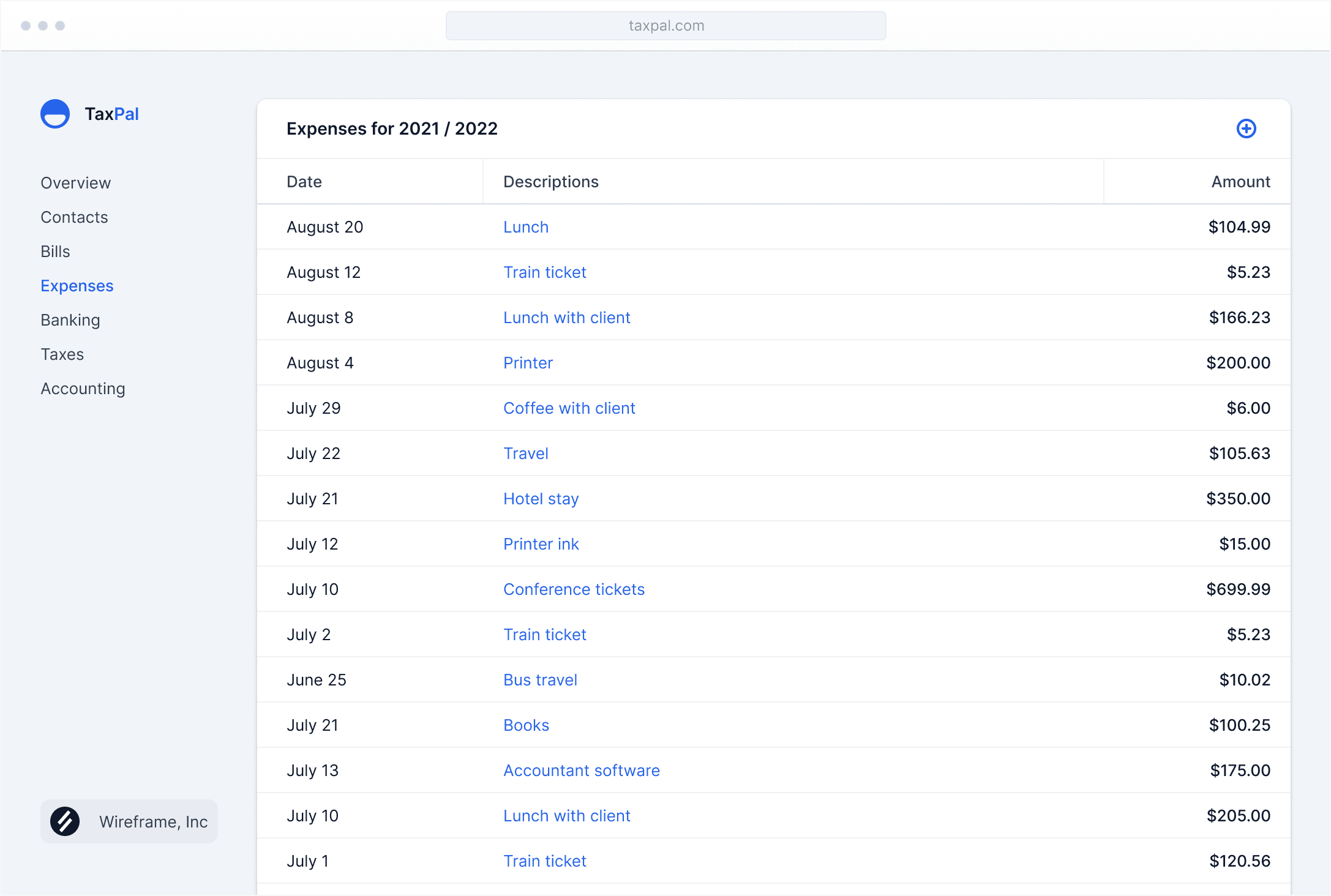
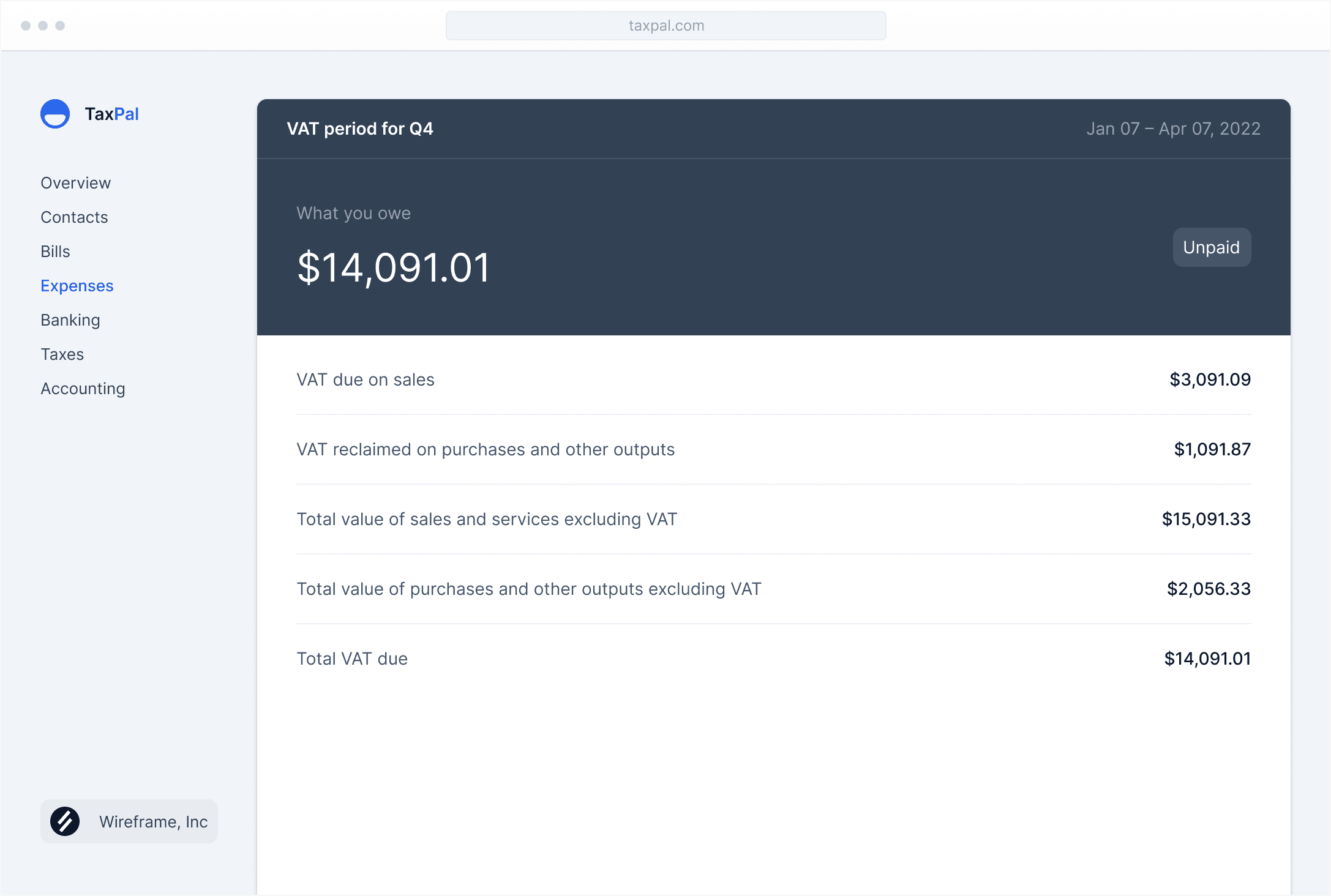
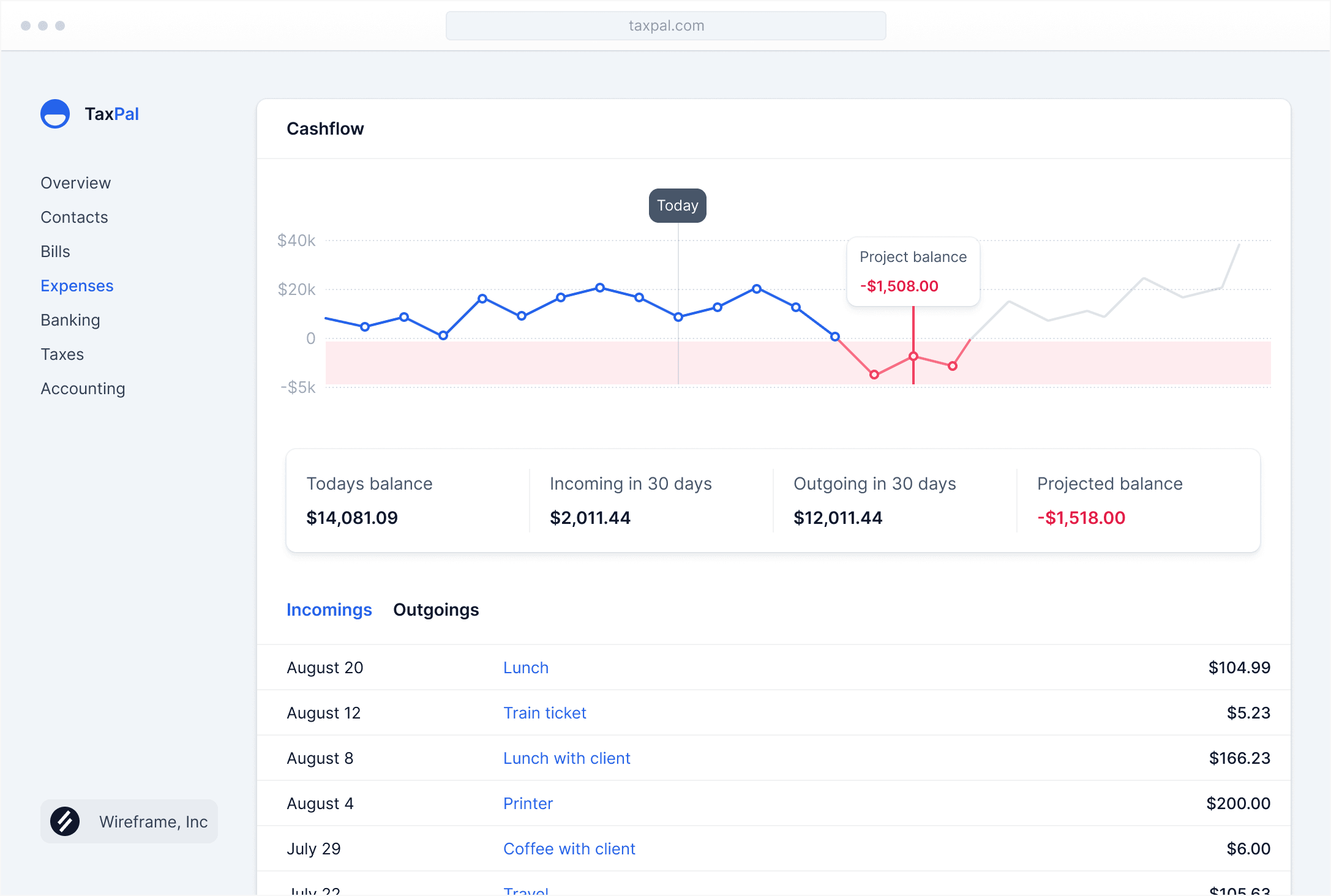
Simplify everyday business tasks.
Because you’d probably be a little confused if we suggested you complicate your everyday business tasks instead.
AI-Powered Content
Generate professional slide content automatically with advanced AI.
Our AI analyzes your input and creates structured, well-formatted slides with relevant content, saving you hours of work.
100+ Languages
Create presentations in any language with global support.
Generate slides in over 100 languages, making your presentations accessible to audiences worldwide.
Google Slides Integration
Seamlessly export your presentations directly to Google Slides.
Generated presentations integrate perfectly with Google Slides, giving you full editing control and easy sharing with your team.

Generate professional slide content automatically with advanced AI.
Our AI analyzes your input and creates structured, well-formatted slides with relevant content, saving you hours of work.
Create presentations in any language with global support.
Generate slides in over 100 languages, making your presentations accessible to audiences worldwide.
Seamlessly export your presentations directly to Google Slides.
Generated presentations integrate perfectly with Google Slides, giving you full editing control and easy sharing with your team.

Ready to create amazing presentations?
Join over 1 million users creating beautiful slides in seconds. Start free with 3 presentations per month.
Start Free NowLoved by businesses worldwide.
Our software is so simple that people can’t help but fall in love with it. Simplicity is easy when you just skip tons of mission-critical features.
MagicSlides has completely transformed how I create presentations. What used to take hours now takes minutes!
Sarah JohnsonMarketing Director
As an educator, I create dozens of presentations monthly. MagicSlides has been a game-changer for my workflow.
Michael ChenHigh School Teacher
The YouTube to slides feature is amazing! I can turn any video into a presentation for my students in seconds.
Emily RodriguezCollege Professor
I love how easy it is to convert PDFs into presentations. Perfect for client meetings and reports.
David ThompsonBusiness Consultant
The AI-generated content is surprisingly good. It saves me so much time on initial drafts.
Lisa AndersonStartup Founder
This is the fourth email I’ve sent to your support team. I am literally being held in jail for tax fraud. Please answer your damn emails, this is important.
Amy HahnDirector at Velocity Industries
Simple pricing, for everyone.
Start free and upgrade as you grow. No credit card required to get started.
Free
Perfect for trying out MagicSlides and occasional use.
$0
- 3 presentations per month
- All conversion types
- 100+ languages support
- Google Slides export
- Community support
Pro
For professionals and regular users.
$15
- 50 presentations per month
- All conversion types
- 100+ languages support
- Google Slides export
- Priority support
- AI images generation
- Advanced templates
Teams
For teams and heavy users.
$39
- Unlimited presentations
- All conversion types
- 100+ languages support
- Google Slides export
- Priority support
- Team collaboration

Frequently asked questions
If you can’t find what you’re looking for, email our support team and if you’re lucky someone will get back to you.
How does MagicSlides work?
Simply provide your input (YouTube link, PDF, text, or URL), and our AI will analyze the content and create a structured presentation with slides, content, and formatting automatically.
Can I edit the generated presentations?
Absolutely! All presentations are exported to Google Slides where you have full editing control. You can customize text, images, layouts, and everything else.
What languages are supported?
MagicSlides supports over 100 languages, allowing you to create presentations in virtually any language worldwide.
How many presentations can I create for free?
The free plan includes 3 presentations per month. For more, you can upgrade to Pro (50/month) or Teams (unlimited) plans.
What types of content can I convert to slides?
You can convert YouTube videos, PDFs, URLs, text, topics, and more. We support 15+ different conversion types.
Is my data secure?
Yes, we take data security seriously. Your content is processed securely and we do not store your presentations or personal data beyond what is necessary for the service.
Can I use this for commercial purposes?
Yes, all plans allow commercial use. You can create presentations for your business, clients, or any professional purpose.
Do you offer refunds?
Yes, we offer a 30-day money-back guarantee on all paid plans if you are not satisfied with the service.
I lost my password, how do I get into my account?
Send us an email and we will send you a copy of our latest password spreadsheet so you can find your information.